
Timesheet
Log your week in under a minute.
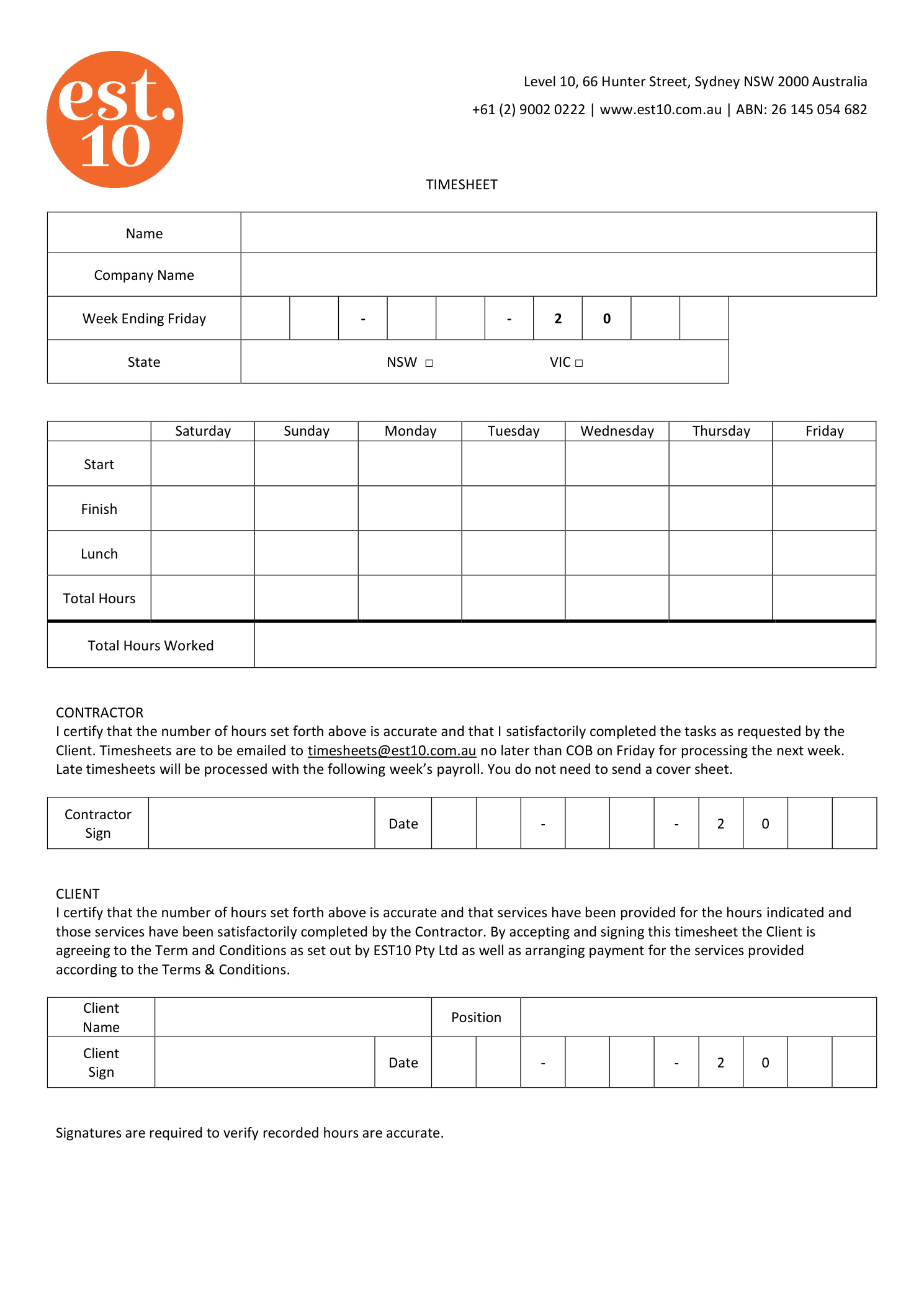
On assignment with EST10? Pop in your email and we’ll send your weekly timesheet straight through. Fill it in and get it back to us before the Monday 10am cut-off so your pay runs on time.
Paid on time, every time
How it works
Three minutes, once a week
Your timesheet is how we pay you and bill the client, so getting it in on time matters. Request it, fill it in at the end of your week, and make sure your approving manager is right. We handle the rest.
Log your week
Send me my timesheet
One field, one click. Pop in your email and we’ll send your weekly timesheet straight away, ready to fill in and return before the Monday cut-off.
Check your inbox.
Your timesheet is on its way. Fill it in and send it back before 10am Monday.
Good to know
Timesheets, answered
The things temps and contractors ask us most about getting paid.
When is my timesheet due?
By 10am Monday for the week just gone. Get it in on time and your pay runs that week. If you miss the cut-off it rolls into the next run, so it is always worth sending it Friday afternoon if you can.
Do I enter my breaks?
Enter the net hours you actually worked each day, then note any unpaid break so your manager can see the full picture. Your weekly total is the sum of the hours you worked.
Who approves my hours?
The manager on site who oversees your assignment. Add their name and email when you complete your timesheet and we send it straight to them for sign-off. If you are not sure who that should be, your EST10 consultant can help.
How and when do I get paid?
Pay is processed weekly and paid straight into your nominated bank account once your timesheet is approved. Make sure your bank and super details are with us before your first pay so there are no hold-ups.
I worked a public holiday or overtime. What do I do?
Enter the hours as normal and add a quick note on your timesheet so we can apply the right rate. If you are ever unsure how a shift should be paid, ask your consultant before you submit and we will sort it out.
I made a mistake after submitting.
No problem. Call us on 02 9002 0222 or email your consultant as soon as you can, ideally before the Monday cut-off, and we will correct it before your pay is processed.
From the newsroom